
Announcements and service times
Post church updates and service times so members know what is happening.
Lux Mundi · iPhone and Android
Create a space for your church in Lux Mundi. Share announcements, service times, and recorded sermons. Members can post prayer requests and testimonies, talk with one another, and discuss the Bible.
For personal reading, the Bible includes commentaries, search, notes, and verse highlighting.
Now available · iPhone, iPad, and Android
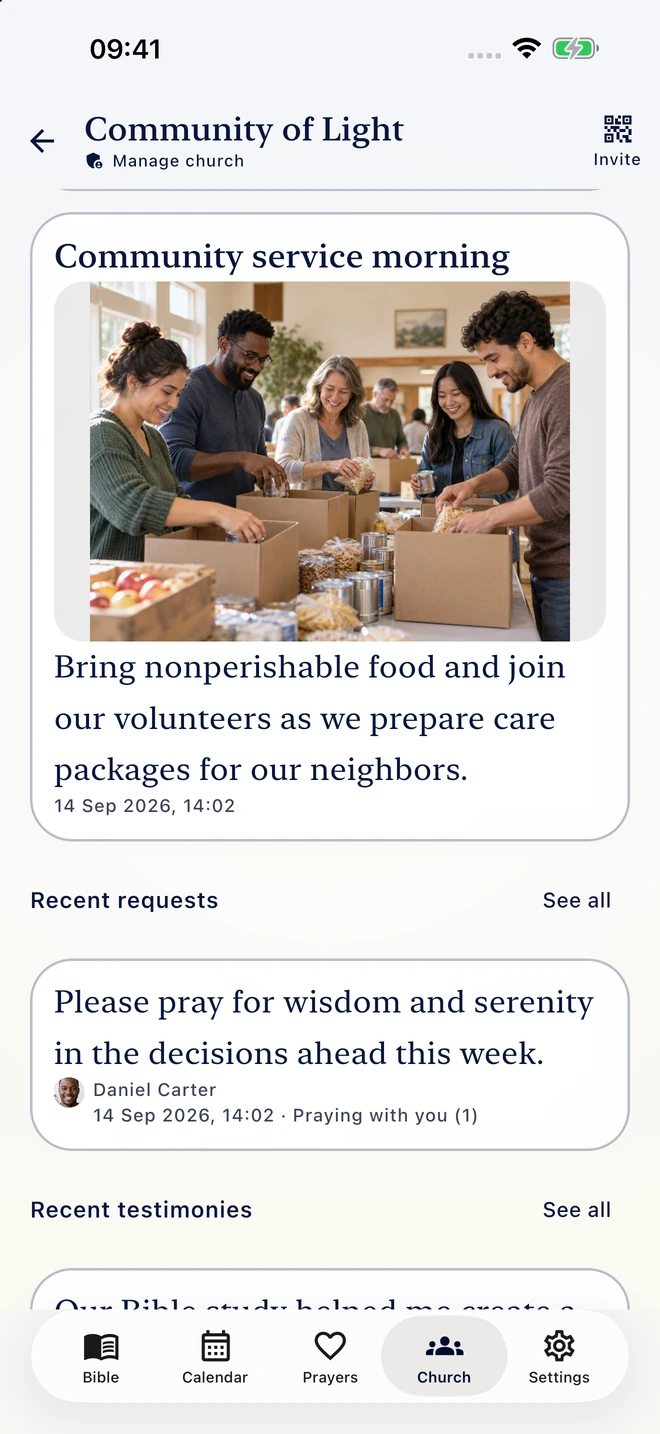
Church features
Church leaders publish updates, while members read announcements, share prayer requests, and take part in conversations.
Post church updates and service times so members know what is happening.
Share upcoming gatherings and recorded sermons.
Members can ask for prayer, support one another, and share testimonies.
Discuss Bible passages and members’ questions in your church space.
App screens
Announcements, prayer requests, and discussions are in the church section.
Post church updates and service times so members know what is happening.
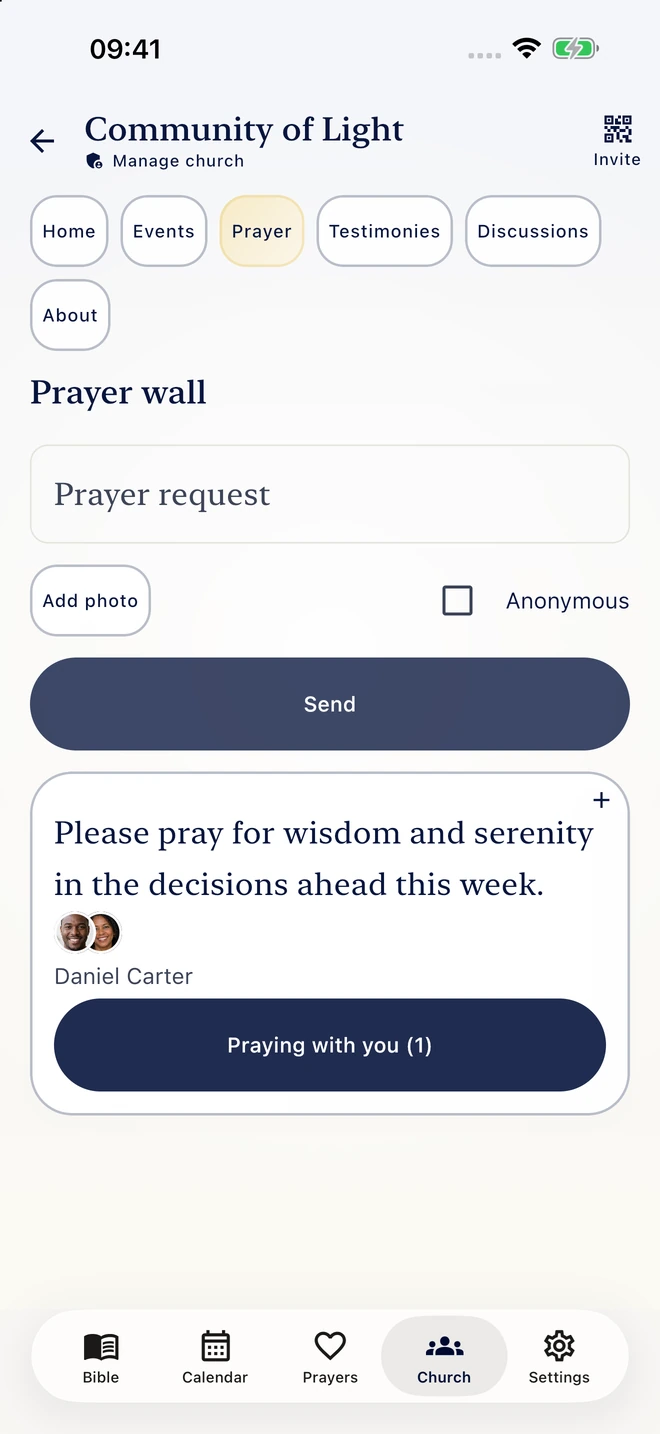
Share prayer requests and support members of your church.
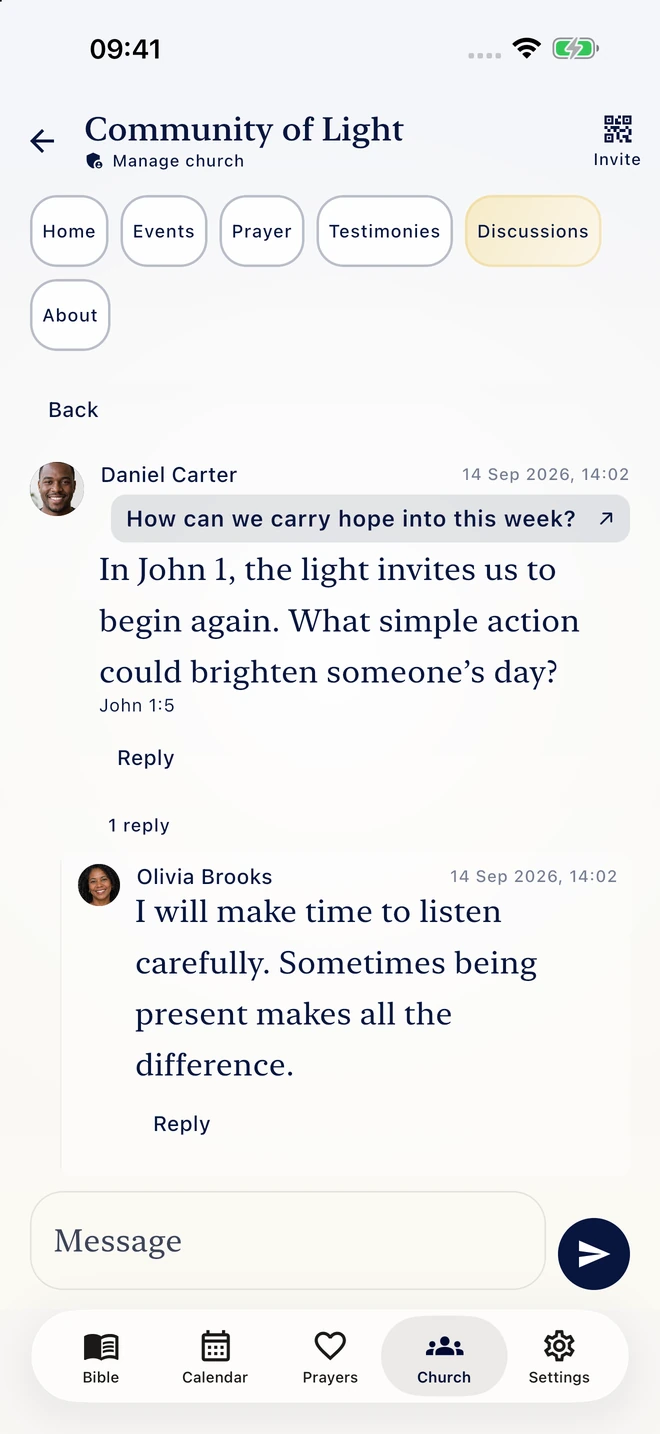
Discuss Bible passages and members’ questions in your church space.
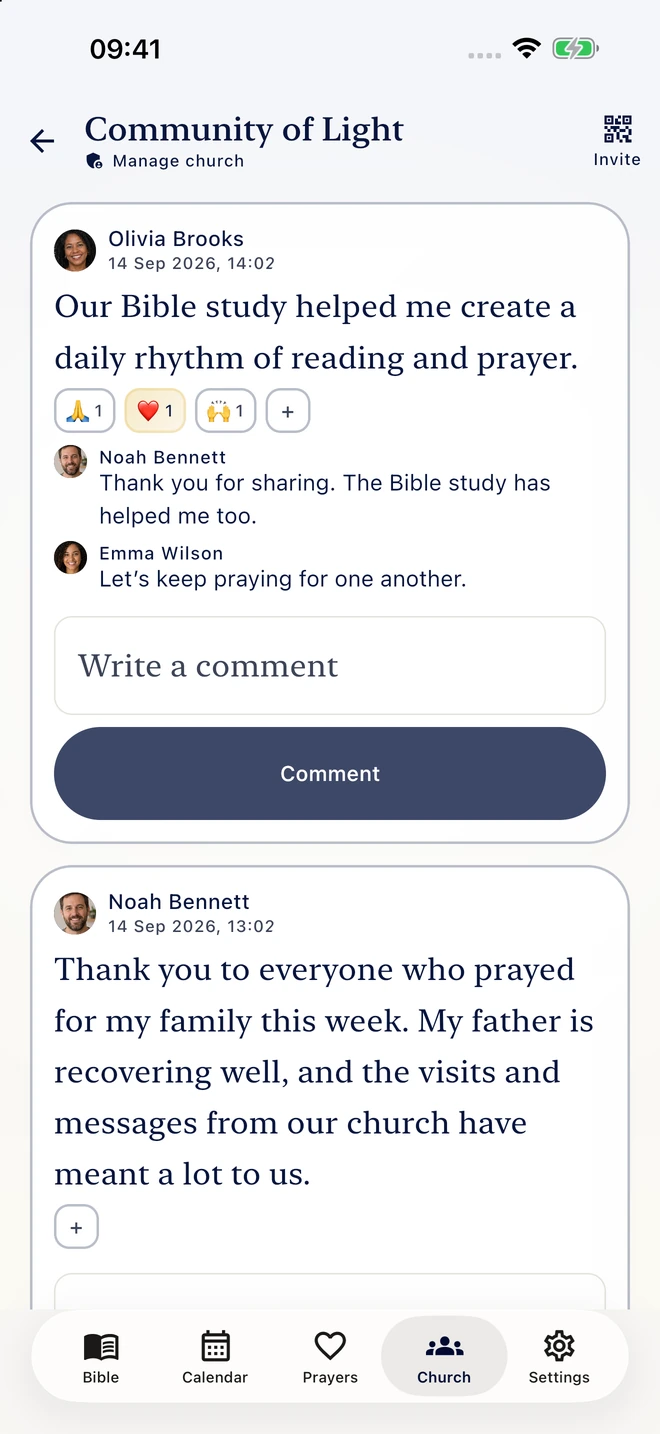
Read testimonies, react, and support one another in the comments.
Real app screens; profiles and posts are fictional for demonstration.
Getting started
Create your church in the web dashboard and invite members. They can access it in the iPhone or Android app.
Create your church spaceCreate an account or sign in with your existing Lux Mundi account.
Add your church’s name and details. Manage the available features in the dashboard.
Share the invitation link or QR code. Members can install the app and join your church.
Read the Bible with commentaries, find chapters and verses by text or reference, highlight verses, and save notes. Bookmarks and reading history help you return to a passage. The app also includes prayers by topic, a personal prayer journal, and a calendar. Downloaded Bible texts are available offline.
Download the app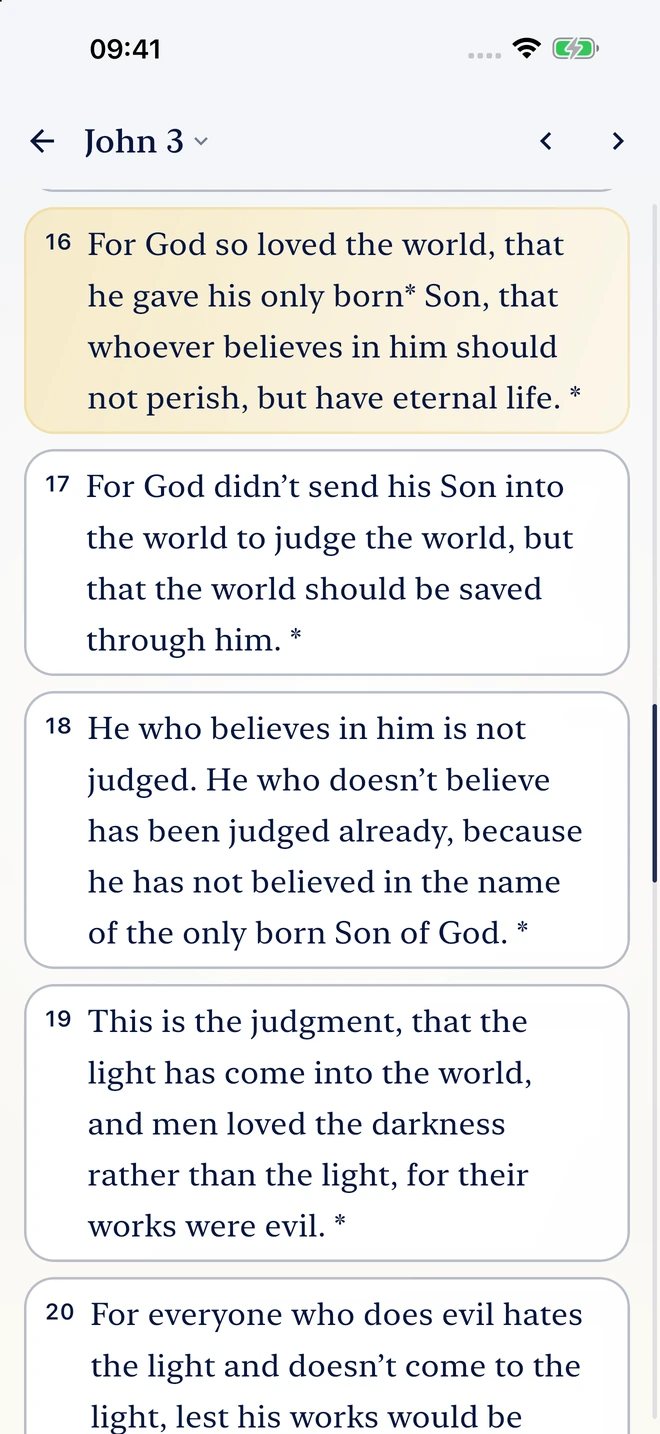
Sign up in the web dashboard or sign in to your account. Then create your church and add its details.
Share the invitation link or QR code. Members can install the app and join your church.
The first month is free. After that, the church pays a small fee to support the project.
Yes. You can read the Bible without signing up. An account is needed for church participation and sync.
Lux Mundi
Sign up in the dashboard, or contact us if you need help getting started.